
Transactional email best practices: shipping confirmations, e-receipts, and reminders people actually open
Your best-performing emails aren't your campaigns. They're the boring ones — the "your order shipped," the receipt, the "your trial ends Friday." People open those. In fact, transactional emails pull 24% higher open rates than regular campaigns and drive 19x the conversion rate of standard marketing sends.
Here's the part most small businesses miss: an automated transactional email earns $2.87 per email versus $0.18 for a scheduled marketing blast. Those "receipts" are quietly some of the most valuable real estate you own. Let's make them work harder — without turning them into ad space.
Why these emails matter more than your newsletter
A transactional email is triggered by something a customer did — a purchase, a password reset, a subscription renewal. They're expected, so they get opened. Omnisend found that triggered emails drove 30% of total email revenue while making up just 2% of email volume, with 6x higher click engagement than a normal campaign.
The five types you'll actually send, per Omnisend:
- Order and purchase confirmations
- Account and security (password resets, 2FA)
- Subscription and membership (renewals, trial endings)
- User activity notifications (abandoned carts, back-in-stock)
- Policy and legal updates
Get these right and you're not just confirming a transaction. You're building trust at the exact moment a customer is paying attention.
Shipping confirmations: the 8 things that matter
A shipping confirmation is a reassurance email disguised as a logistics update. Someone gave you money — now they want to know their stuff is on the way. Mailchimp's framework and Klaviyo's best practices line up almost perfectly here. Follow this order:
- Write a short, specific subject line with the order number. Klaviyo recommends something like "Order #123456 confirmed" — no mystery, no hype.
- Lead with the essentials: order summary, estimated delivery date, and a tracking link that's impossible to miss.
- Make the tracking button the hero. Don't bury it three scrolls down.
- Add optional extras carefully — a loyalty reminder, a "you might also like," per Mailchimp. Keep them small.
- Design mobile-first. Most people check shipping updates on their phone.
- Personalize with the first name and real order details, not a generic blast.
- Trigger it the moment the label is created — a delayed confirmation feels broken.
- Track opens and clicks so you know it's landing.
Before and after
Subject — before: "AN UPDATE ON YOUR RECENT PURCHASE!!!" Subject — after: "Your order #4021 is on its way"
The first one shouts, risks the spam folder, and tells the customer nothing. The second is calm, specific, and answers the only question they have.
E-receipts: the most-opened email you'll ever ignore
Receipts get saved, forwarded, and re-opened for months. Litmus treats them as prime, under-used space — and lays out seven strategic elements worth borrowing: app or account promotion, loyalty integration, product recommendations, a visible customer-service contact, sustainability messaging, mobile-first layout, and dynamic personalization.
You don't need all seven. For a solo creator or small shop, three land the hardest: get the transaction details exactly right, make your support contact obvious, and add one relevant recommendation. That's it.
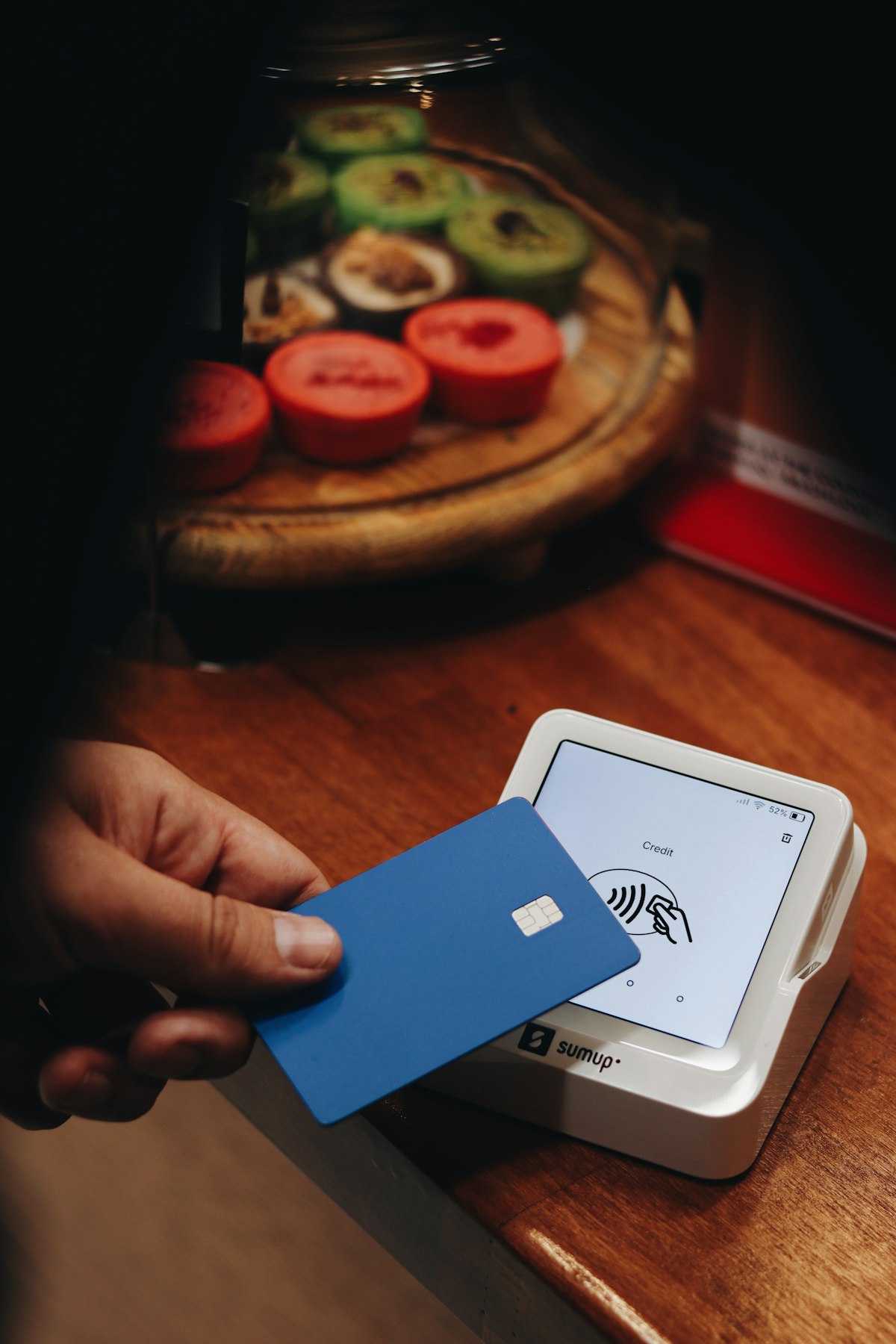
Before you send anything, run Litmus's testing checklist: confirm it renders on mobile, survives Dark Mode, and works across email clients. A receipt with broken images or missing alt text reads as sloppy — and this is the one email a customer might actually keep.
Reminders: helpful, not pestering
Reminders are where tone makes or breaks you. Nag, and you damage the relationship. Help, and you build loyalty — 86% of people say they'd stay more loyal to a business that invests in post-purchase onboarding content.
Litmus breaks reminders into three types:
| Reminder type | When to send | What it does |
|---|---|---|
| Onboarding check-in | First days after signup | Helps a new customer get value early |
| Renewal notice | ~30 days before renewal | No surprise charges, no churn shock |
| Proactive support | When activity drops | Offers help before they quietly leave |
And three writing pillars that keep the tone right, also from Litmus:
- Be personal and contextual — use what you know about their account, not a form letter.
- Be genuinely helpful — frame everything around their success, not your metrics.
- Make the next step easy — one clear CTA, not five competing links.
The 80:20 rule that keeps you out of the spam folder
Here's where small businesses get greedy. Your receipt gets a 50%+ open rate — the mark of a healthy transactional email — so it's tempting to stuff it with promotions.
Don't. Klaviyo advises an 80:20 split: at least 80% transactional content, 20% promotional maximum. Tip past that and you risk CAN-SPAM and GDPR trouble, plus spam filters that start treating your receipts like ads. A few more Klaviyo habits worth stealing: send from a domain-based address, keep subject lines plain, and let customers reply.
Mistakes that quietly kill these emails
- Vague subject lines with no order number or context.
- Spam-trigger language — all caps, endless punctuation, marketing hype.
- Cramped, non-responsive layouts with tiny fonts and no white space.
- Buried tracking links the customer has to hunt for.
- Delayed sends after the transaction — trust erodes fast, especially for password resets and security notices.
- Broken Dark Mode rendering and missing alt text (Litmus).
- Promotional overload that overshadows the actual transaction.
Quick checklist before you hit send
- Subject line names the order or action, no hype
- Key details up top, tracking or CTA impossible to miss
- Renders clean on mobile and in Dark Mode
- Support contact is visible
- Personalized with real name and order data
- Triggered instantly, not on a delay
- 80% transactional, 20% promotional — max
Where AI takes the busywork off your plate
Writing one great receipt is easy. Writing a whole set — shipping confirmation, receipt, renewal reminder, back-in-stock alert — each triggered at the right moment, personalized, mobile-tested, and staying inside that 80:20 line? That's the part solo creators never quite finish.
That's what Doxiefy is built for. You describe your store or service, and the AI-assisted builder drafts each transactional email and wires up the triggers — so the "boring" emails that earn the most stop being the ones you keep meaning to set up.
Frequently asked questions
What is a transactional email?
A transactional email is an automated message triggered by a specific customer action — a purchase, a password reset, a subscription renewal. Because the customer is expecting it, these emails get far higher engagement than marketing campaigns, with 24% higher open rates and 19x the conversion rate.
Can I include promotions in a transactional email?
A little. Klaviyo recommends an 80:20 split — keep the email at least 80% transactional and cap promotional content at 20%. Push past that and you risk spam filters plus CAN-SPAM and GDPR compliance issues.
What should a shipping confirmation subject line say?
Keep it short and specific, and include the order number — something like "Your order #4021 is on its way." Klaviyo and Mailchimp both favor plain, direct subject lines over hype, which also protects deliverability.
How do I make reminder emails feel helpful instead of annoying?
Follow Litmus's three pillars: be personal and contextual using real account data, frame the message around the customer's success, and give one easy next step. Send renewal notices about 30 days ahead so there are no billing surprises.
Why do transactional emails make more money than campaigns?
Because they hit customers at a moment of high intent and attention. Omnisend found triggered emails drove 30% of total email revenue from just 2% of volume, earning $2.87 per email versus $0.18 for a scheduled marketing send.
Final thoughts
The emails you think of as paperwork are the ones your customers actually read. Nail the details — clear subject, essentials up top, obvious tracking, honest tone — and every confirmation quietly builds loyalty.
Start with your shipping confirmation and your receipt. If you'd rather not build and trigger each one by hand, join the Doxiefy waitlist and let an AI-assisted builder handle the setup.